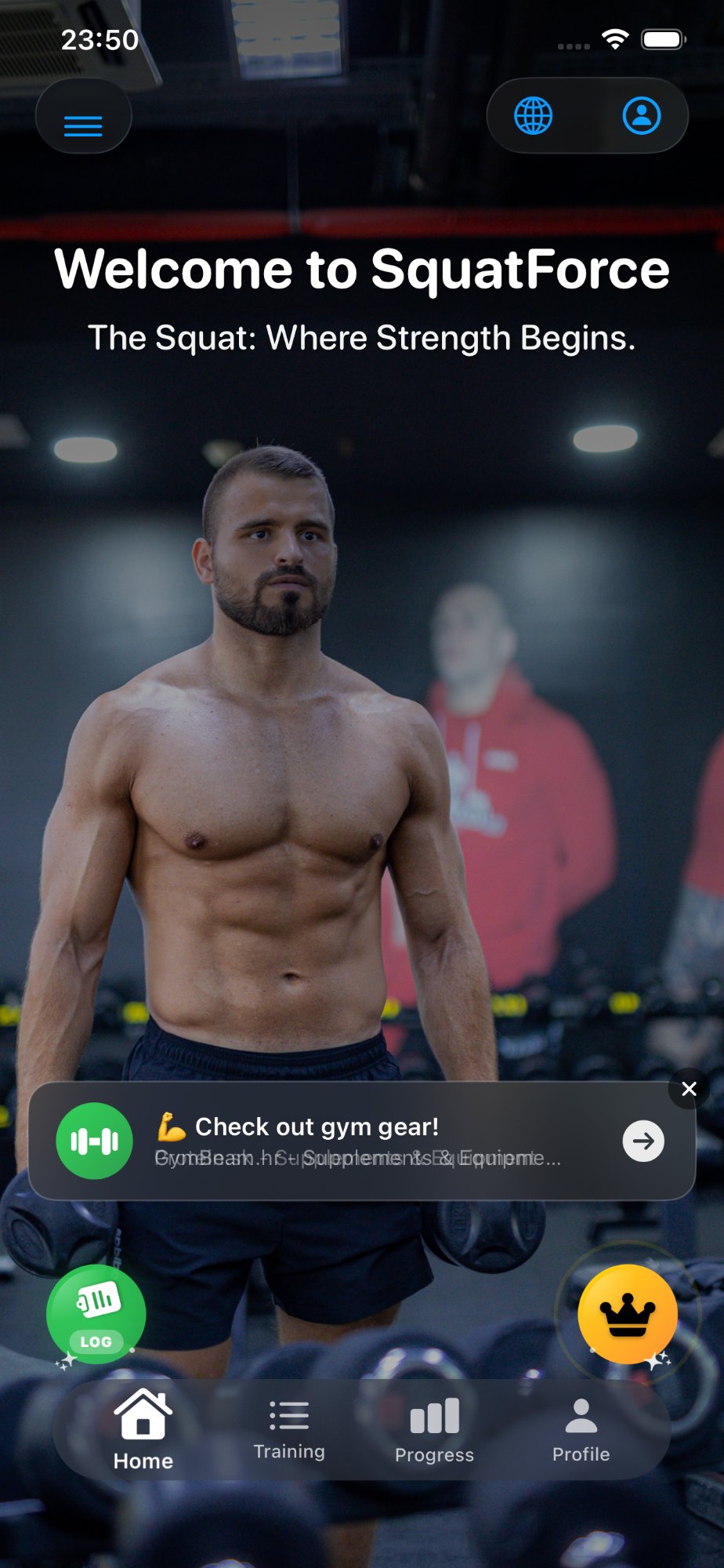
The Squat: Where Strength Begins.
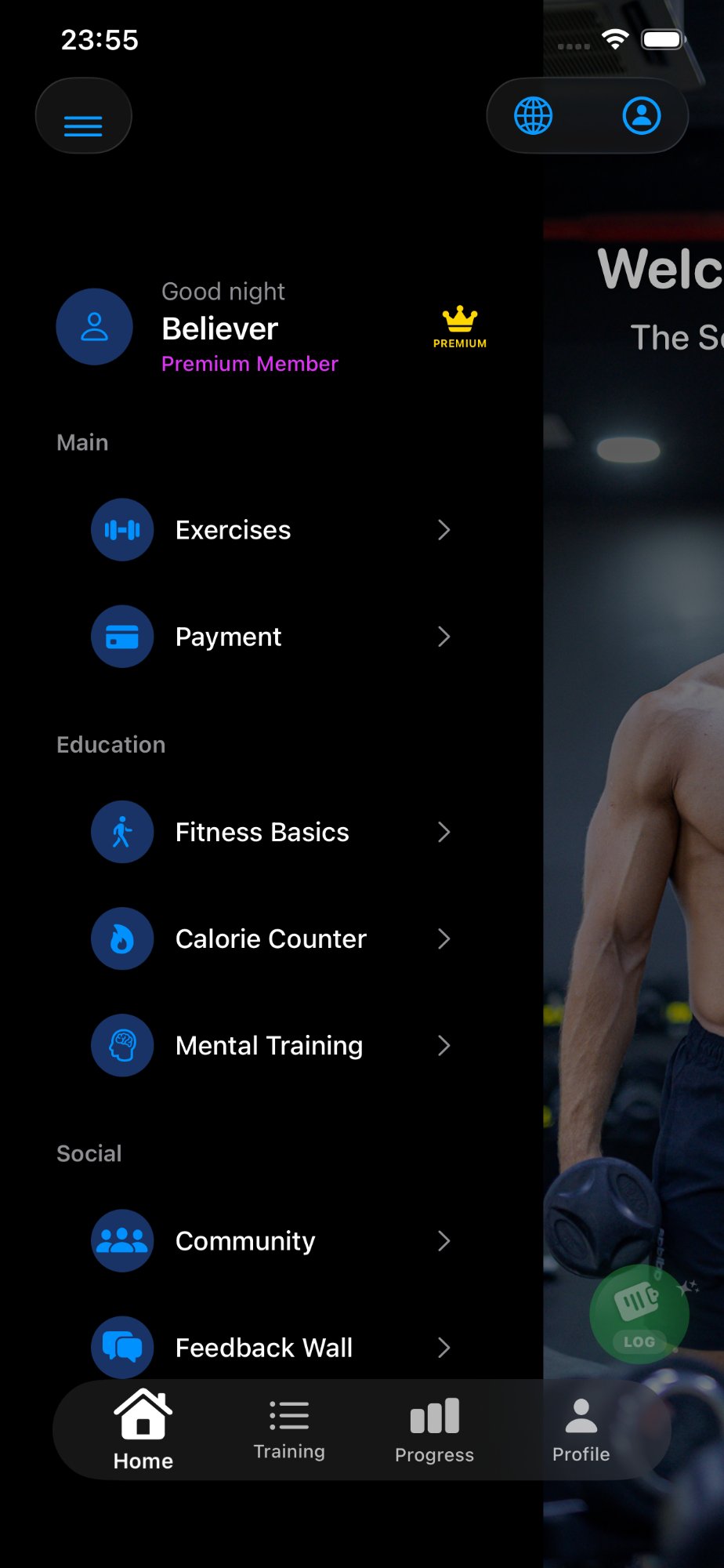
SquatForce is an advanced fitness app with personalized training programs, calorie counter, mental training and community — all in one place.
Everything for your training
in one place
Professional programs, video guides, nutrition and community.
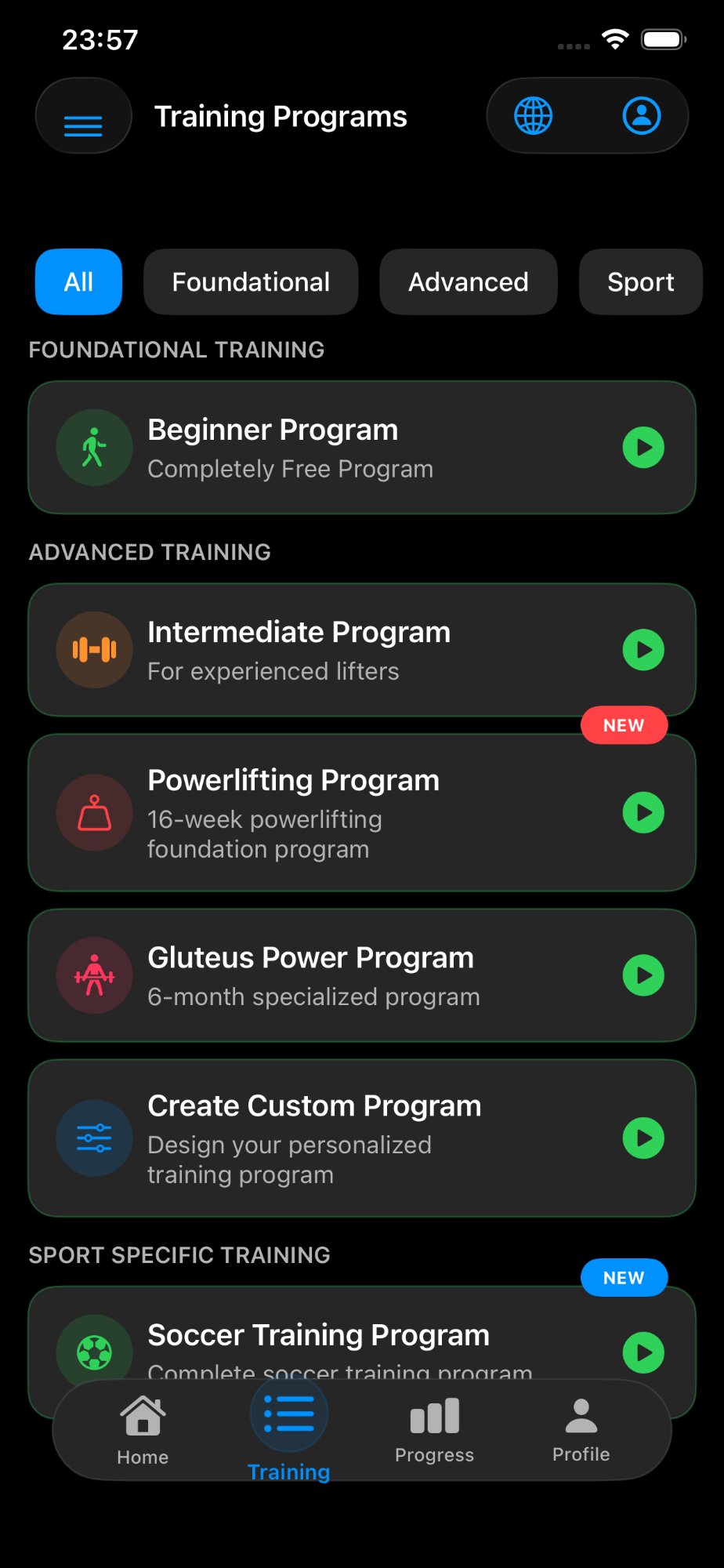
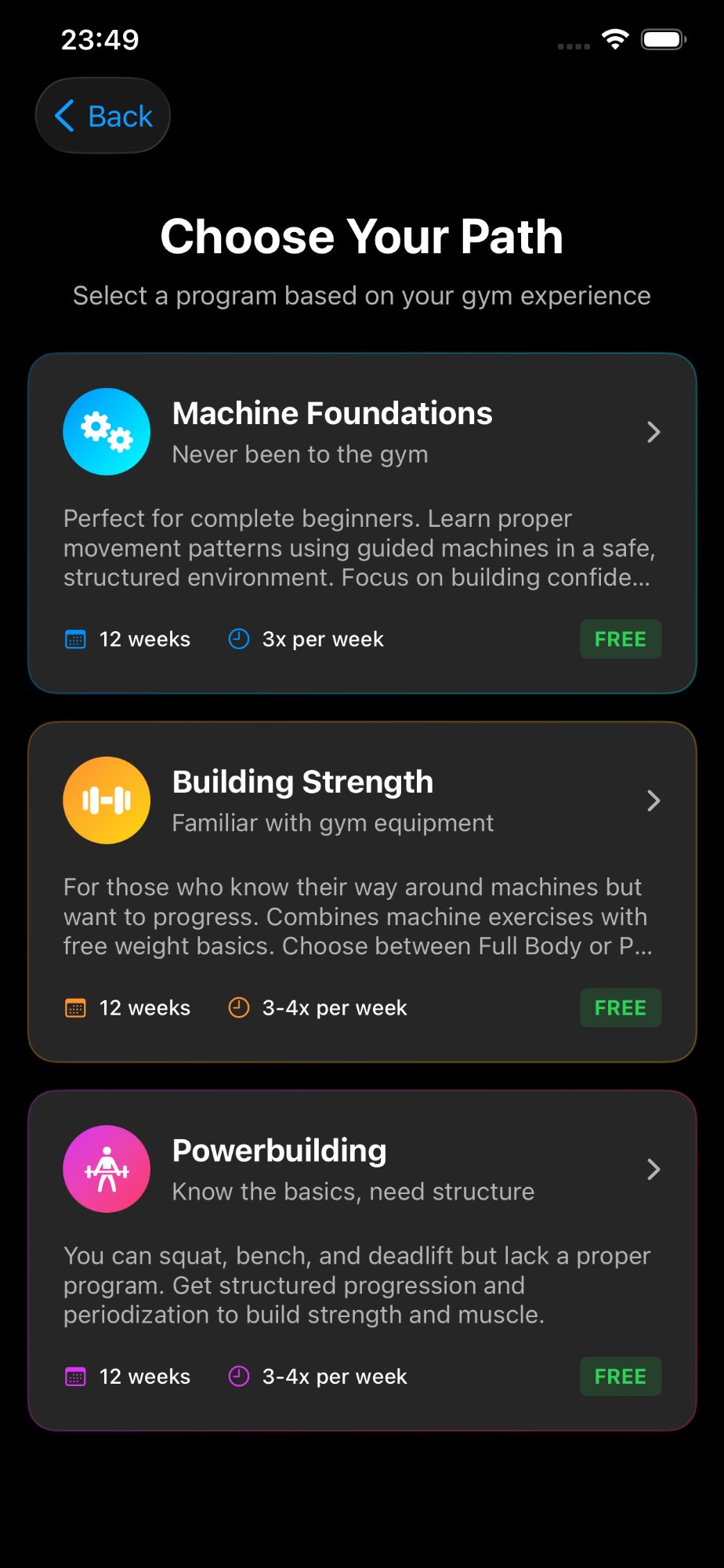
Training Programs
From beginners to advanced — designed by expert kinesiologists. Beginner program completely free.
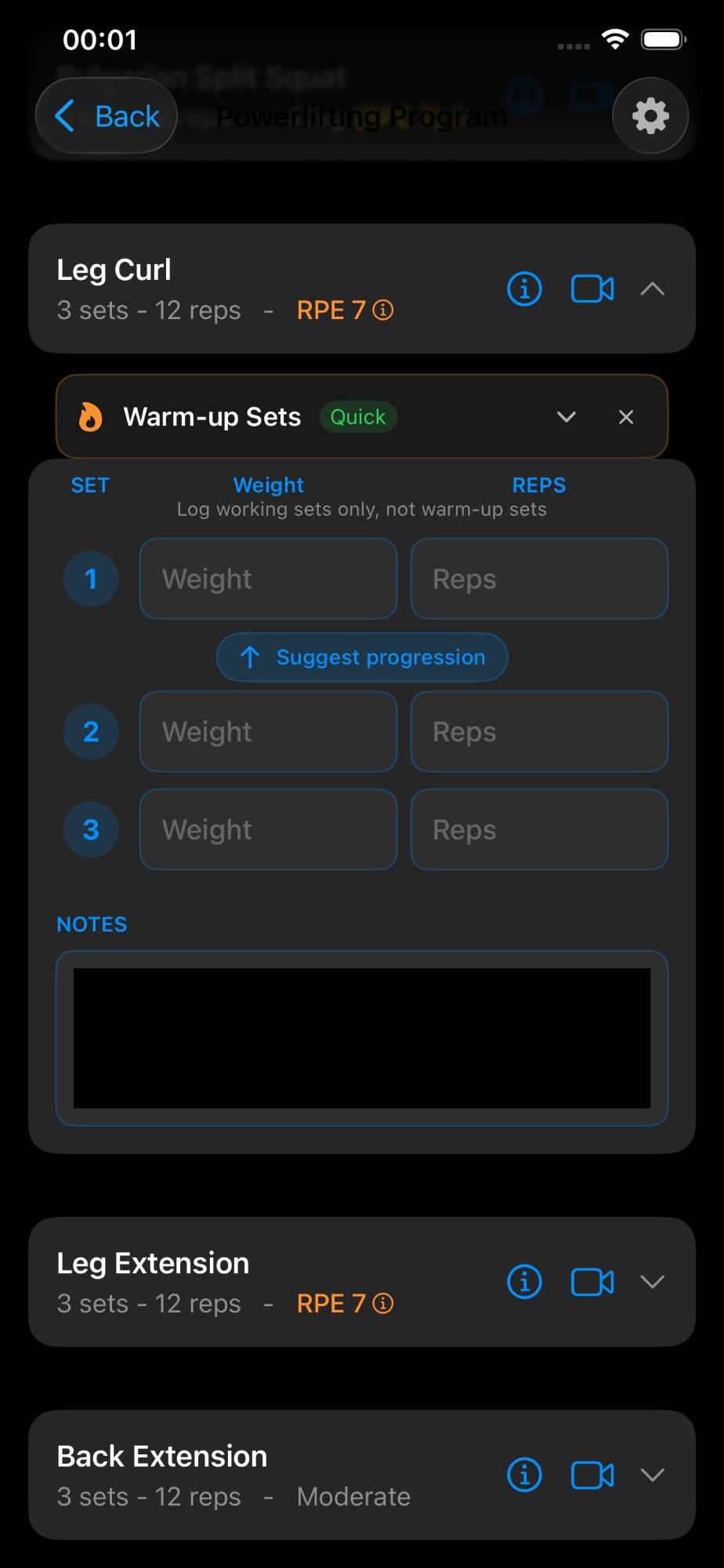
100+ HD Video Guides
Every exercise includes detailed HD video for perfect technique.
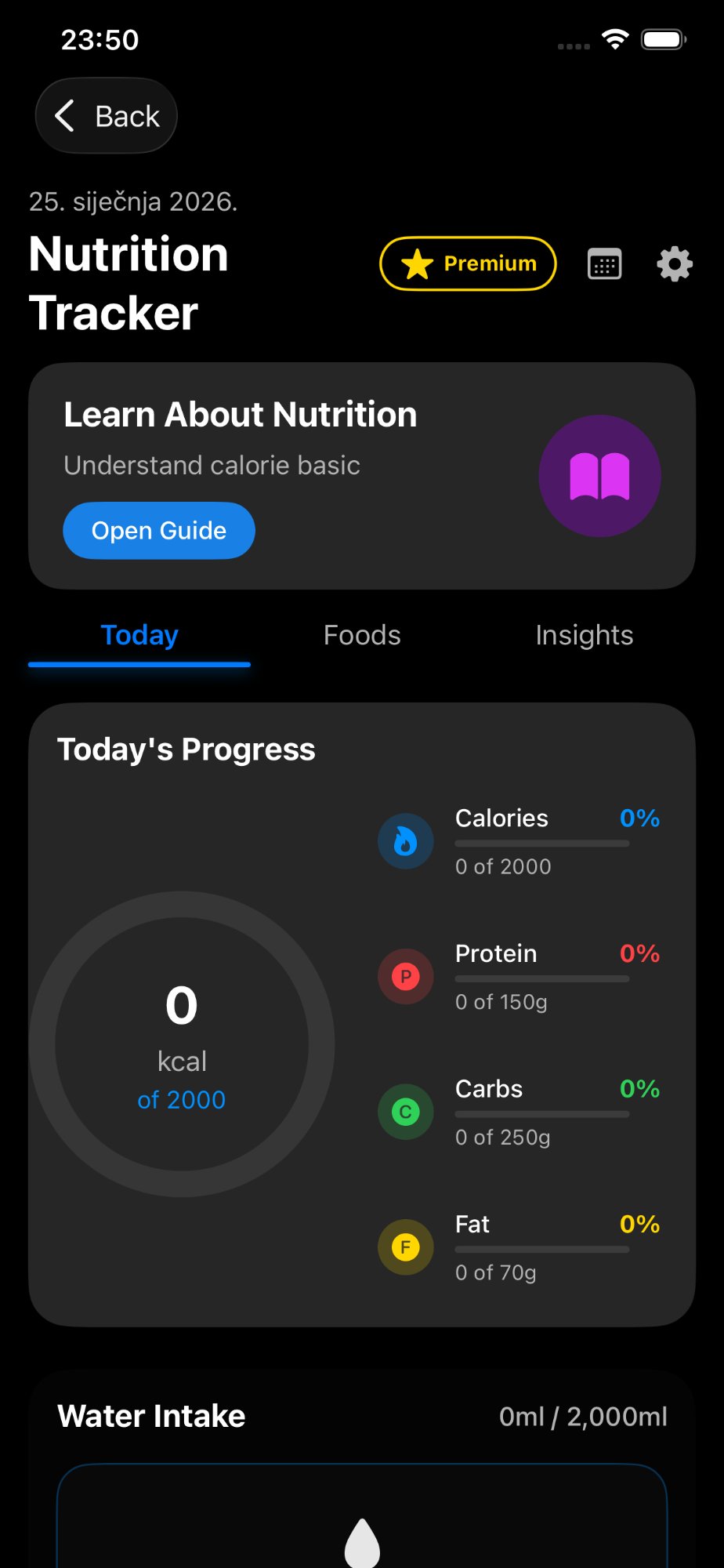
Calorie Counter
Track calories, protein, carbs and fat. Visualize your daily nutrition progress.
Mental Training
Build mental strength with modules on training psychology and motivation.
Workout Logs FREE
Log every workout, sets, reps and weights. Completely free for all users.
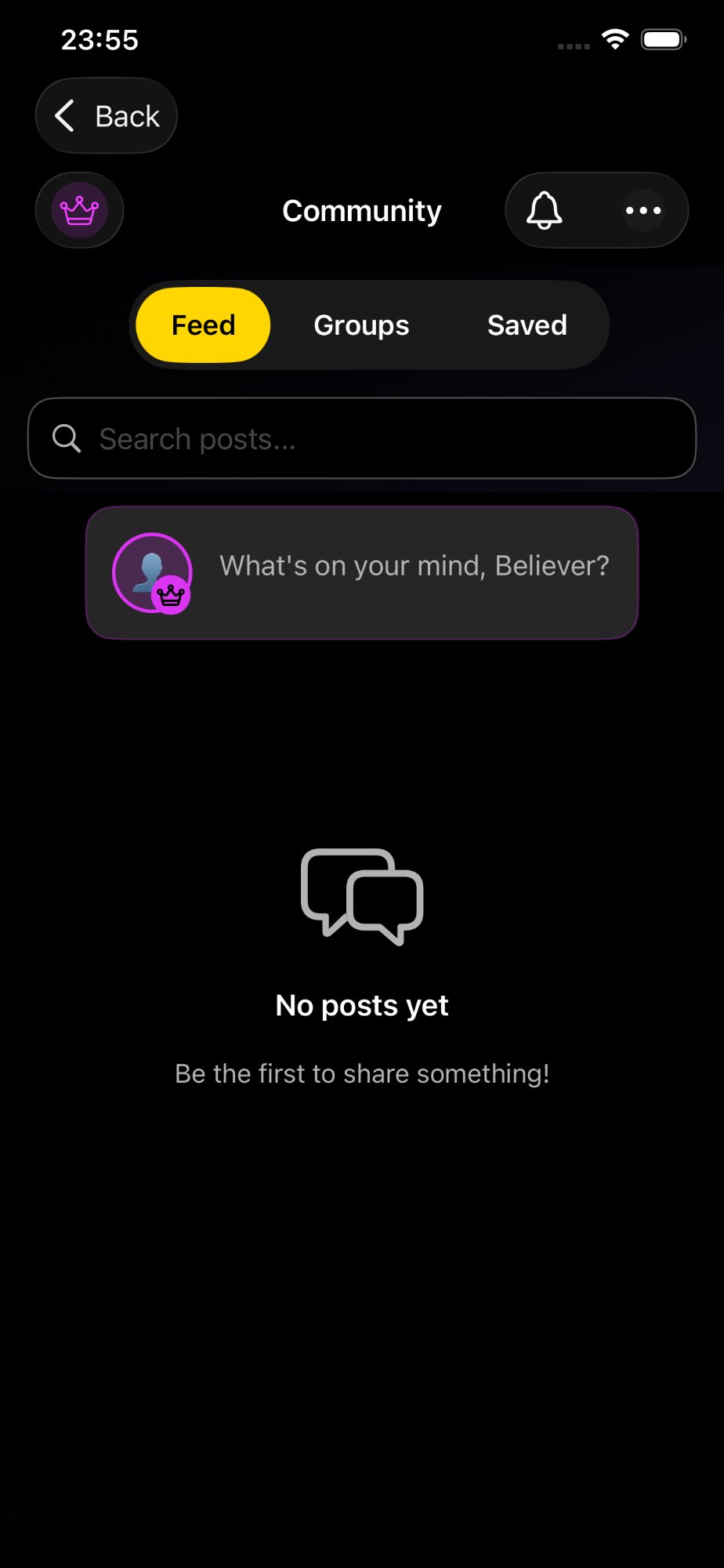
Community Lounge
Connect with fellow lifters, share posts and motivate each other.
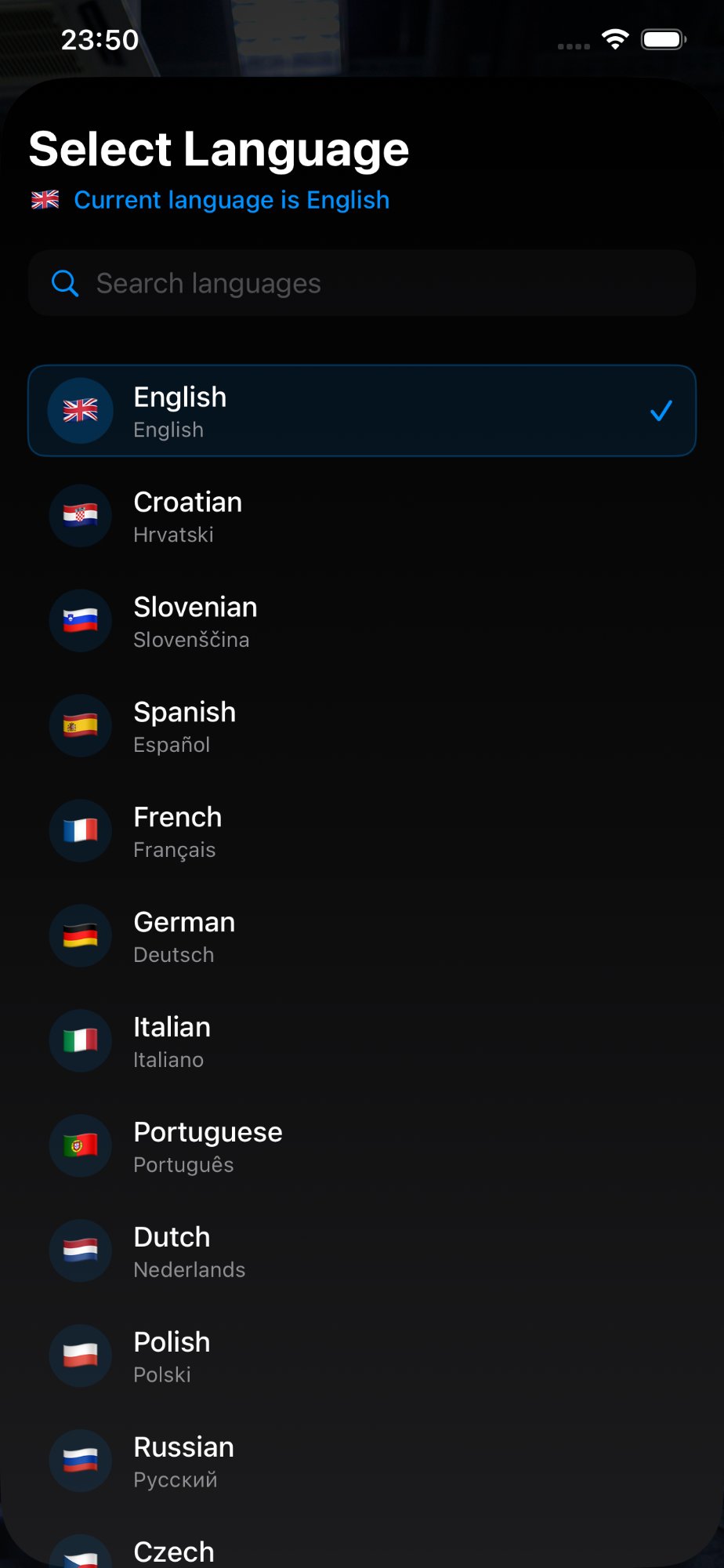
29 Languages
Fully localized in 29 languages for users around the world.
Offline Mode
Train anywhere, anytime — even without internet.
Custom Program Builder
Create your own programs tailored to your goals.
Choose your plan
Start free, upgrade when you're ready.
Standard
- 1 training program
- Workout Logs
- Calorie Counter
- Mental Training
- Community
- HD Video Guides
- Other programs locked
Premium
- All programs unlocked
- Workout Logs
- Calorie Counter
- Mental Training
- Community
- HD Video Guides
- Custom Program Builder
- Monthly or Yearly
Beginner Program and Workout Logs are completely free. Download the app for pricing in your currency.
Start your
fitness journey today
Download SquatForce for free and discover how to train properly.